Quick answer
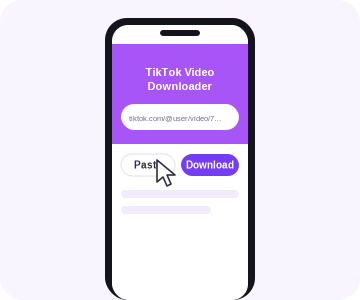
If a TikTok link won't download, copy it again from Share → Copy link, make sure the post is public and still online, and paste only the link. Private, deleted, age-restricted and expired story posts can't be downloaded by any tool.
“That doesn't look like a TikTok link”
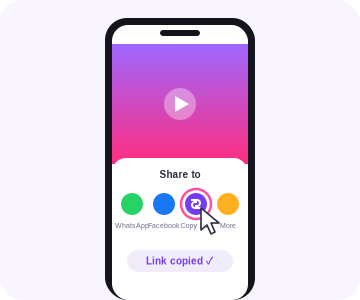
The box needs a TikTok address. Text copied from a caption, a profile name or a link from another app won't work. Copy again from Share → Copy link. Short links like vm.tiktok.com/ABC123 are fine.
“We couldn't find that post”
- The account is private or the video is for followers only.
- The creator deleted the video, or TikTok removed it.
- The video is blocked in your region or age-restricted.
- It was a story older than 24 hours.
“Temporarily unavailable” or “busy”
When lots of people download at once, we may ask you to wait a minute. Try again shortly — nothing is wrong with your link.
The file downloaded but won't play
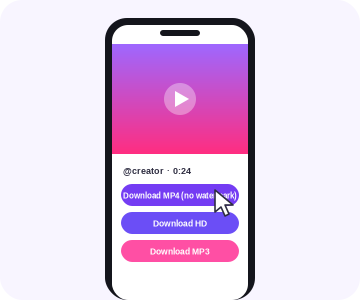
If you picked HD (HEVC) on an older Windows PC, switch to the regular MP4. On iPhone, open the file from Files → Downloads. See the HD downloader, iPhone and PC guides for more.