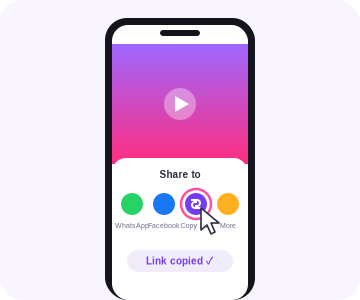
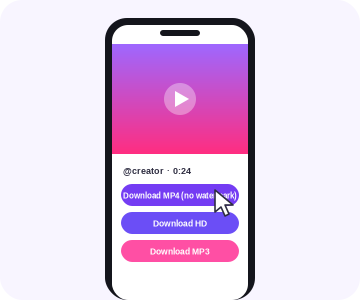
To download TikTok videos, copy the link from TikTok's Share menu, paste it into TikTokDownload.me and press Download. Choose MP4 without watermark, HD or MP3, and the file saves to your device. It's free and works in any browser.
1. Get the TikTok link
In the app, tap the Share arrow and choose Copy link. On a computer, copy the URL from the address bar. Full links (tiktok.com/@user/video/…) and short links (vm.tiktok.com/…) both work.
2. Paste it into the downloader
Open TikTokDownload.me and paste the link into the box at the top — the Paste button does it in one tap. Press Download. In a few seconds you'll see a preview and the formats available.
3. Choose your format
- MP4 without watermark — the standard choice
- HD — sharper file when TikTok has one
- MP3 — audio only
- Photos or a ZIP of all slides for photo posts
4. Find the file on your device
iPhone: Files → Downloads (then Share → Save Video). Android: Downloads or Gallery. PC and Mac: the Downloads folder. Full details in the iPhone guide, the Android guide and the PC guide.