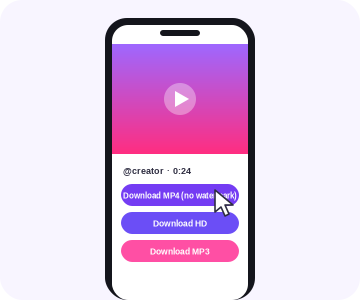
To download a TikTok without the watermark, copy the video link, paste it into TikTokDownload.me and press Download. You'll get the original MP4 with no TikTok logo or username overlay, in the best quality available — free and without an app.
Why the watermark appears — and how we skip it
When you tap “Save video” inside TikTok, the app burns its logo and the creator's handle into the file. That's TikTok's export, not the original upload. TikTokDownload.me asks TikTok for the source file instead, so what you receive is the clean video, frame for frame.
Because nothing is cropped, blurred or painted over, you don't lose any part of the picture the way you do with typical watermark-removal apps. It's the same TikTok video downloader on our homepage, focused on the watermark-free MP4.
What you can save without the watermark
- Regular TikTok videos as MP4 files
- HD and 1080p versions when the creator uploaded them
- Photo posts, either as single images with the TikTok photo downloader or all at once with the slideshow downloader
- The audio on its own using the TikTok MP3 downloader
Tips for the cleanest result
Always copy the link from Share → Copy link rather than screen-recording. A screen recording captures the TikTok interface, compresses the video twice and records any notifications that pop up. A proper download avoids all of that.
If you plan to repost a clip, make sure it's your own or you have permission. Our page on whether downloading TikTok videos is legal explains the basics.